Guests
How guests join a studio from a link, and what the host needs to do.
Guests join from a link. They do not need an account.
How it works
- The host opens a studio and copies the guest link.
- The guest opens the link in a browser and enters a name.
- The guest waits backstage. They can be seen by the host, but are not in the stream.
- The host brings them on stage. Up to six people can be on stage at once.
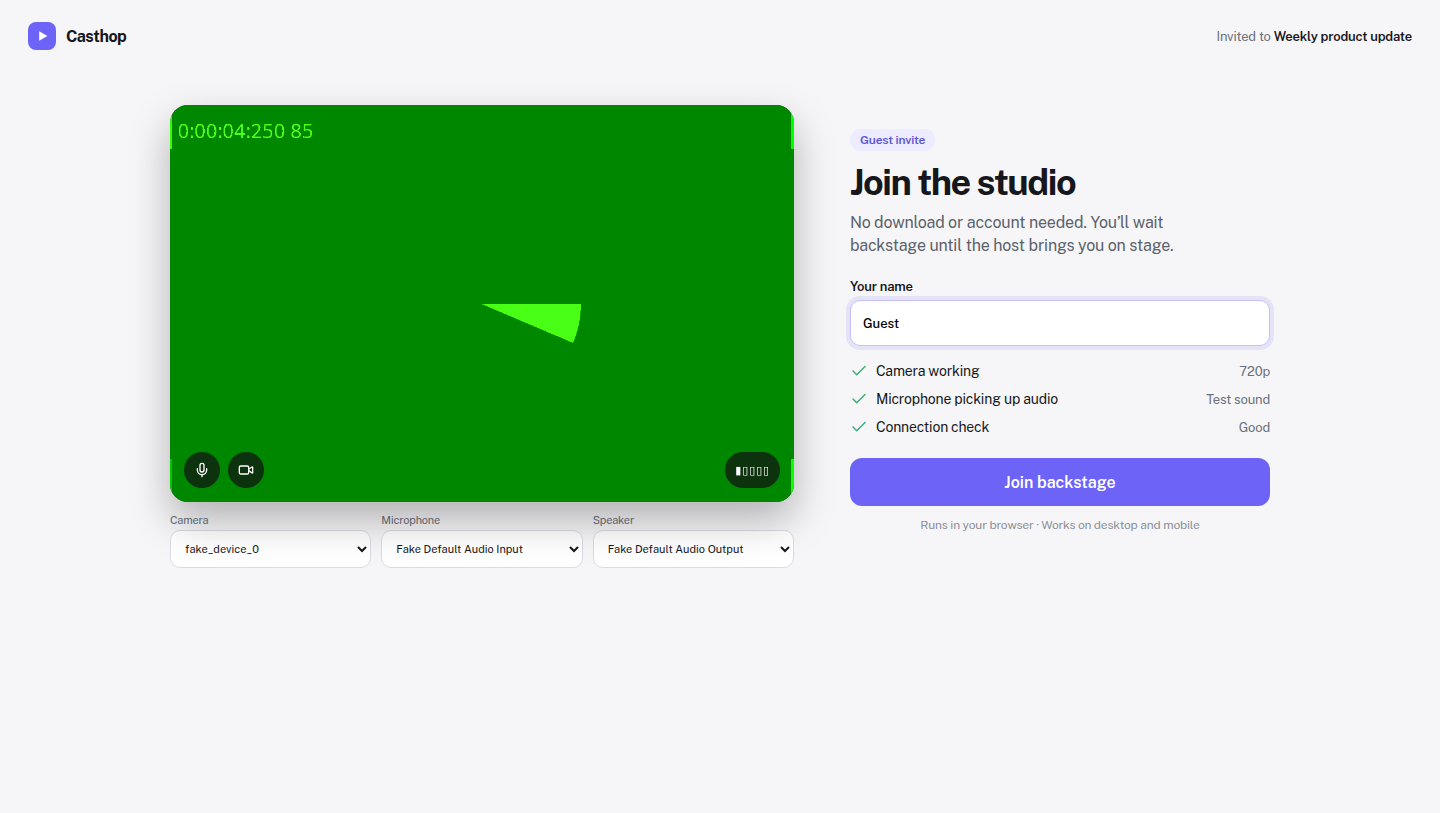
The green picture is a fake camera in a test capture, not a real guest.
Who can do what
- Hosting needs an account. The host signs in with an email magic link, or GitHub if you configured it. The owner of a studio, and any co-host they invite, can control it.
- Guests cannot impersonate the host. Identities are assigned by the Worker, and every action is checked on the server.
- Guests never see stream keys. The public studio state only includes a masked suffix of each destination URL. See Destinations.
If a guest cannot connect
TURN for guests behind strict NAT is on the roadmap and not built yet. A guest on a restrictive network may fail to connect for now.